- Published on
Your Brand Has No Memory. That's Why It Sounds Different Every Time.
- Authors

- Name
- Andrew Blase
Your Brand Has No Memory. That's Why It Sounds Different Every Time.
Last Updated: June 2026
Direct Answer
Brand foundation documents — a Brand Voice guide, an Art Direction guide, and an Image Prompts library — are the three files that give your brand a consistent identity across every piece of content you publish. Without them, your tone shifts with your mood, your visuals drift with the tool du jour, and your audience never quite knows who you are. With them, every post, article, and image you produce feels like it came from the same person — because it did.
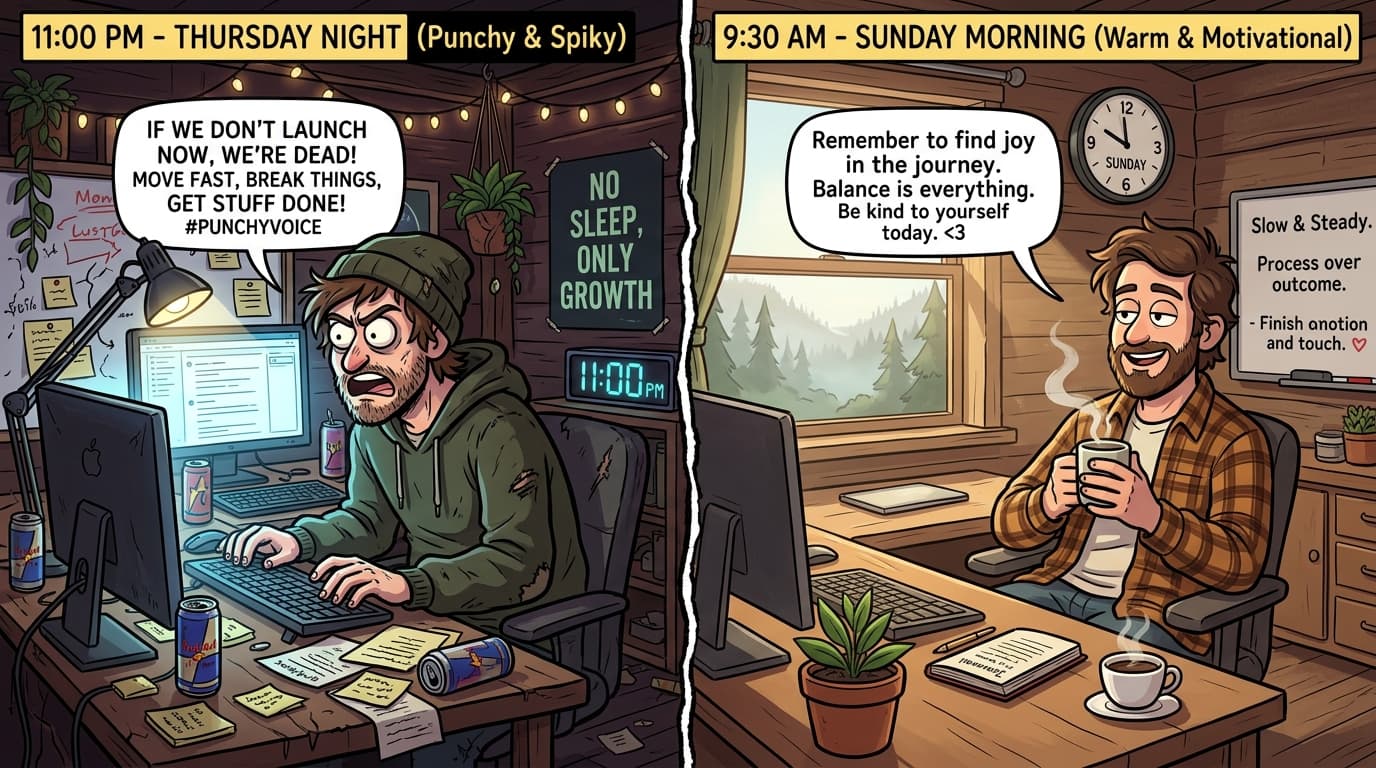
You wrote the post at 11pm on a Wednesday. It was punchy, direct, a little spiky.
You wrote the next one Sunday morning with coffee. It was warmer. More motivational.
Neither was wrong. But they didn't sound like the same person.
That's not a writing problem. That's an infrastructure problem. And the fix isn't to "be more consistent." It's to build the system that makes consistency the default.
That system is three documents: Brand Voice, Art Direction, and Image Prompts. This article walks through what each one contains, why it matters, and how to build yours — using Full Stack Data Solutions as the real-world example.
What Are Brand Foundation Documents?
Brand foundation documents are the operating manual for your content. Not the strategy (that's separate). Not the editorial calendar (also separate). These are the rules of construction — the decisions you make once so you don't have to remake them every time you sit down to create.
There are three:
- Brand Voice — how you sound
- Art Direction — how you look
- Image Prompts — ready-to-use visual templates built on your Art Direction
When all three are in place, you can hand any topic to yourself, a contractor, or an AI model and get output that actually sounds and looks like you.
Document 1 — Brand Voice
What It Is
Brand Voice is the document that captures your tone, rules, post structure, and the line you're willing to take. It's not a mood board. It's executable.
The Full Stack Data Solutions Brand Voice document starts here:
Core Identity: Compassionate. Rebellious. Encouraging. Blunt about risk. Short sentences. No fluff.
That's four words and one sentence. But they're operational. They tell you what kind of hook to write, how long your paragraphs can be, and what you're allowed to say.
What Goes In It
Core Identity (2–5 words or phrases)
These are your tone anchors. FSDS uses: Compassionate. Rebellious. Encouraging. They sound like tension — and that's the point. The tension is what makes the voice specific.
Voice Rules (Always / Never)
The FSDS voice rules:
Always:
- Hard truth in the hook — say the uncomfortable thing first
- Concrete path or perspective shift in the middle
- Actionable close — one thing they can do this week
- Short sentences. Line breaks that let ideas land.
- Measured cadence — slower and deliberate, not hype
Never:
- Vague motivational quotes to open
- Fake or exaggerated stories
- Long meandering paragraphs
- Fluff, filler, or generic advice
- Ending without a point
These aren't vibes. They're checkboxes. Every piece you write either passes or fails them.
Post Structure
The FSDS LinkedIn post structure:
- Hook — call out the fear + uncomfortable truth
- Brief example — your own experience, a student, or a realistic scenario (not fake)
- Principle — tie to the Solo Freedom Loop or the 3 pillars
- Action step — one concrete thing they can do this week
- Optional close — the core mantra about time and change
Example hooks from the FSDS brand kit (for style reference, not verbatim reuse):
- "Your employer can erase your job in a 15-minute meeting. Building your own income takes years. Which timeline are you actually working on?"
- "If AI scares you, it should. If you're not using it to build your own thing, the fear is completely justified."
Controversy Level
FSDS is at 10/10. Willing to be blunt and spiky. Okay with content that makes complacent people uncomfortable. The document spells out what that means — and what the limits are (no direct partisan takes, no naming specific companies as villains).
Knowing your controversy level in advance means you never second-guess whether a post is "too much." You already decided.
Core Mantra
"Time will pass whether you act or not. Use it to get better, build something of your own, and protect your family from people who see you as a line item."
This shows up in content with small variations. It's the throughline — the sentence the audience starts to recognize as you.
How to Build Yours
- Pull 5–10 pieces of your best content. The stuff that felt right when you wrote it.
- Read them back. What patterns show up? What do you always do? What do you never do?
- Write your Always/Never list from what you observe — not from aspirations.
- Draft a post structure that matches how your best posts actually work.
- Set your controversy level honestly. 1 is "safe for all audiences." 10 is "going to lose some followers." Know where you actually are.
Document 2 — Art Direction
What It Is
Art Direction is the visual equivalent of Brand Voice. It's not a style board on Pinterest. It's a production document that tells you — or anyone helping you — exactly how to generate images that look like you.
The FSDS Art Direction document opens with this:
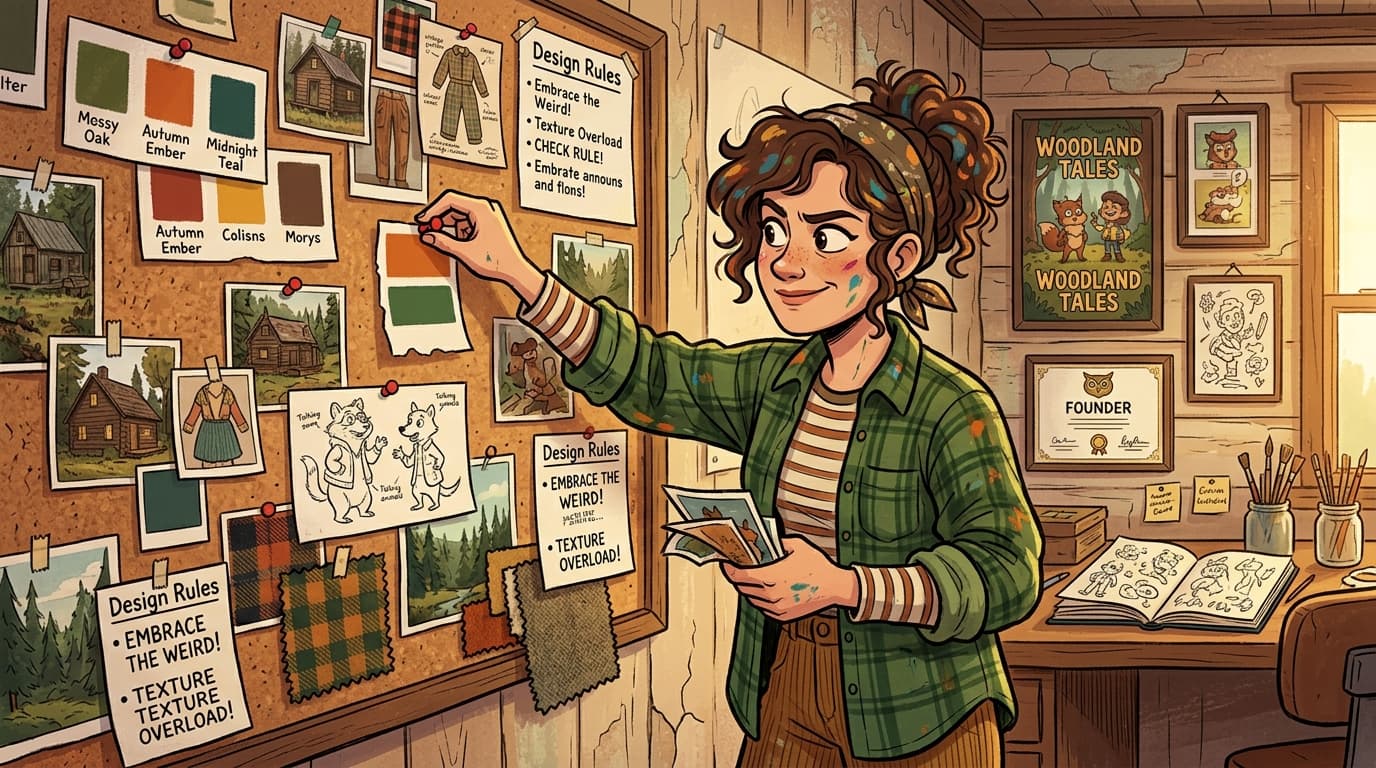
Style: Digital illustration with a handcrafted, indie edge. Colorful, expressive, slightly weird — but intentional.
Influences: Alex Hirsch (Gravity Falls creator) — irreverent characters, rich texture, emotional expressiveness. Cabincore aesthetic — warm, cozy, slightly rustic but modern. Cracked/distressed texture adds authenticity and edge.
Feel: The opposite of corporate SaaS. Warm and approachable, but sharp and opinionated. Characters have real expressions. Scenes tell a story.
That's enough to brief anyone. It's also specific enough to rule things out — which is the whole point.
The Core Style String
Everything in FSDS visual production runs through one string, appended to every image prompt:
in the style of digital illustration, colorful cartoon, cabincore, cracked, alex hirsch --ar 16:9 --v 5.2
This is the nucleus. It's what makes image #47 look like it belongs in the same universe as image #1.
What Goes In It
Standard Parameters
- Aspect ratio:
--ar 16:9for all hero/featured images - Version:
--v 5.2 - No photorealistic renders
- No corporate stock photo aesthetics
- No minimalist flat design
Image Types
The FSDS Art Direction document defines three image types:
- Article Hero Images — Subject = the article's core message as a character in a scene
- LinkedIn Post Images — Same style, subject = the core idea as a visual metaphor or character moment
- Lead Magnet Covers — Same style, subject = the transformation the lead magnet delivers
The Formula
[character + situation that represents the article's idea], in the style of digital illustration, colorful cartoon, cabincore, cracked, alex hirsch --ar 16:9 --v 5.2
Proven FSDS examples:
technical founder not knowing who the customers are, in the style of digital illustration, colorful cartoon, cabincore, cracked, alex hirsch --ar 16:9 --v 5.2
software team working in harmony, diverse team, at a table with a laptop, plans, in the style of digital illustration, colorful cartoon, cabincore, cracked, alex hirsch --ar 16:9 --v 5.2
What to Avoid
- Photorealism
- Corporate / stock photo aesthetics
- Pure minimalist flat design
- Generic "person at laptop" without character or scene expression
- Anime or sci-fi aesthetics
How to Build Yours
- Pull 10 images you love from anywhere — not necessarily from your niche. What do they have in common? Texture? Color temperature? Realism vs. illustration?
- Find 2–3 reference artists or aesthetics that fit. Name them specifically.
- Write a 1-sentence "feel" description. What does your brand feel like visually? What is it not?
- Write the What to Avoid list. Usually easier than the aspirational list, and more useful in practice.
- Write your core style string. This is the sentence that goes at the end of every prompt.
Document 3 — Image Prompts
What It Is
Image Prompts is a library of ready-to-use prompt templates organized by topic. It's the document that turns your Art Direction into production-ready assets without rebuilding from scratch.
The FSDS Image Prompts file is organized into topic categories:
- Entrepreneurship / Founder Journey
- AI / Automation
- Layoffs / Job Security
- Marketing / Sales
- Team / Collaboration
- GraphQL / Technical
- Sarcasm / Humor
Under each category, there are 2–5 ready-to-use prompts. Pull one, swap in the specific detail for your article, and generate.
Examples from the FSDS library:
Founder Journey:
solo founder working late at night surrounded by coffee cups and glowing screens, cozy home office, in the style of digital illustration, colorful cartoon, cabincore, cracked, alex hirsch --ar 16:9 --v 5.2
AI / Automation:
person collaborating with a friendly AI assistant, glowing screens, cozy home office, warm light, in the style of digital illustration, colorful cartoon, cabincore, cracked, alex hirsch --ar 16:9 --v 5.2
Layoffs / Job Security:
office worker receiving a pink slip while quietly building their own rocket ship in the background, split scene, in the style of digital illustration, colorful cartoon, cabincore, cracked, alex hirsch --ar 16:9 --v 5.2
How to Write a New Prompt
The FSDS Image Prompts file includes a prompt-writing formula:
- Identify the article's core message as a single scene or character moment
- Write:
[specific character + situation + 1-2 expressive details] - Append:
in the style of digital illustration, colorful cartoon, cabincore, cracked, alex hirsch --ar 16:9 --v 5.2 - Keep subjects human-centered with expressive faces and clear storytelling
The rule is: subjects should tell a story. Not "a person at a laptop." A solo founder celebrating their first paying customer, small victory, confetti. The difference between generic and specific is two words.
How Andrew Generates Images — The kie.ai MCP Workflow
Here's where the system pays off.
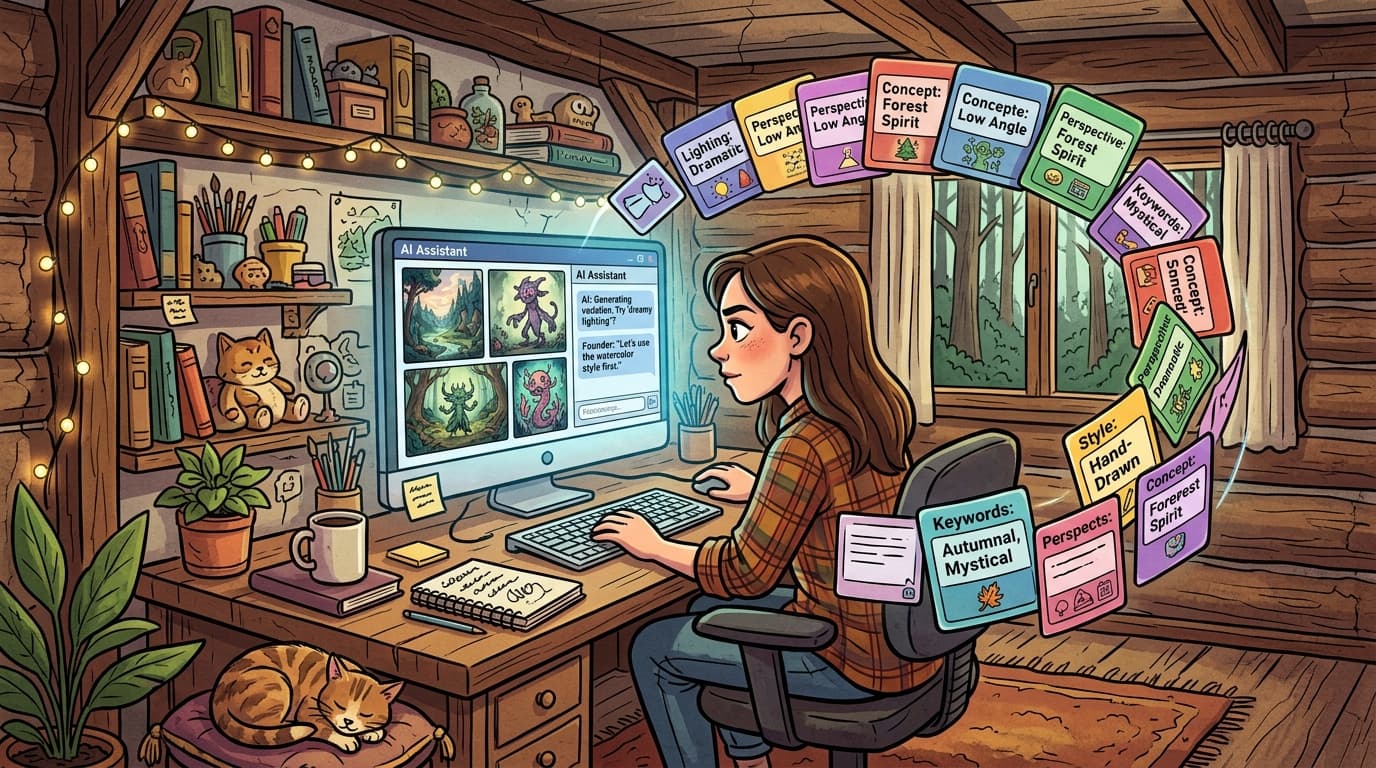
Andrew doesn't copy prompts from a text file and paste them into Midjourney. He opens Claude, references his Art Direction and Image Prompts files, and generates images directly through the kie.ai MCP (Model Context Protocol integration at kie.ai).
The workflow:
- Load the reference files. Art Direction and Image Prompts are stored as reference documents. When generating an image, Claude has access to both.
- State the article topic. Something like: "I need a hero image for a post about founders who skip customer discovery."
- Claude constructs the prompt using the Art Direction style string and the Image Prompts formula — it doesn't guess at style, it reads it from the document.
- The kie.ai MCP executes the generation. The image comes back in the same conversation, already formatted to
--ar 16:9 --v 5.2. - Repeat for variations. Because the style string is always appended, every image belongs to the same visual universe.
Why this matters: it removes the rebuild tax. Every time someone generates an image without a system, they're rebuilding the style from memory — and memory drifts. With the kie.ai MCP and the reference documents, the style is locked. The only variable is the subject matter of the image.
This is what brand consistency at speed actually looks like. Not better discipline. Better infrastructure.
Putting It Together — The Three-Document Stack
| Document | What It Controls | Output |
|---|---|---|
| Brand Voice | Tone, structure, controversy level | Every written piece |
| Art Direction | Visual style, style string, rules | Every image |
| Image Prompts | Ready-to-use templates by topic | Faster, consistent image generation |
These three documents work as a system. Brand Voice tells you how to write the post. Art Direction tells you what the image should feel like. Image Prompts gives you the exact prompt to run. The kie.ai MCP runs it.
From idea to published post, the only bottleneck is judgment — what to say, not how to say it or what it should look like. That's what you want.
Mini-FAQ
Q: How long does it take to build these three documents?
If you have existing content to pull from, a solid afternoon. Brand Voice takes the longest — maybe 2–3 hours if you're writing from scratch. Art Direction is faster if you already know your visual references. Image Prompts is mostly assembly once Art Direction is done.
Q: Do I need all three before I start publishing?
No. Start with Brand Voice. It has the highest leverage because it affects every piece you produce. Art Direction and Image Prompts can come after — but build them before you scale.
Q: What if my brand voice is still evolving?
Version the document. FSDS's brand kit isn't meant to be permanent — it's meant to be the current decision. When the voice shifts, the document shifts. The point isn't to lock yourself in. It's to make the current version explicit so you can execute it consistently while you're in it.
Conclusion
Your brand sounds different every time because there's no document telling it how to sound. Your visuals drift because there's no string anchoring the style. Your image generation takes longer because you're rebuilding from scratch each time.
Brand Voice. Art Direction. Image Prompts.
Three files. One afternoon to build. Every piece you produce after that is faster, more consistent, and more recognizably you.
Start with Brand Voice. The rest follows.
Want to build your own brand foundation documents? Full Stack Data Solutions works with technical founders and AI builders to build content systems that actually run. Visit fullstackdatasolutions.com to learn more.
Sources
- Full Stack Data Solutions Brand Voice documentation (internal)
- Full Stack Data Solutions Art Direction documentation (internal)
- Full Stack Data Solutions Image Prompts library (internal)
- kie.ai MCP documentation - kie.ai
- Midjourney documentation - docs.midjourney.com
Last Updated: June 2026