Data Solutions
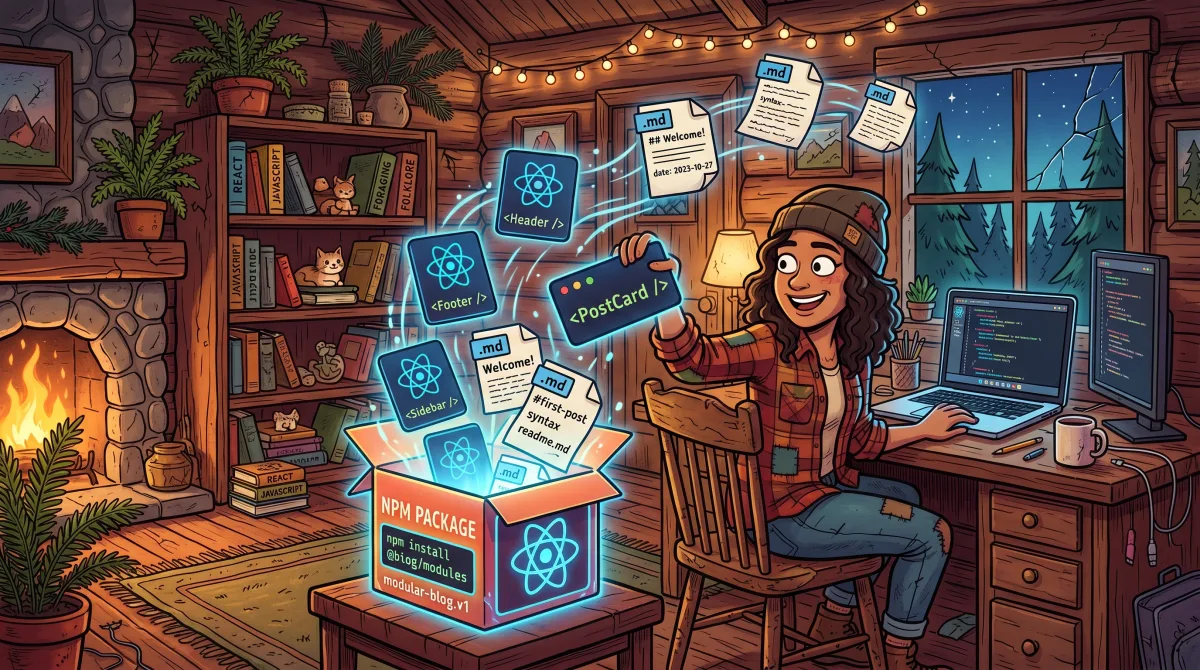
Every product I build runs on the same stack: NestJS backend, Next.js frontend, Tailwind CSS. And every one of them eventually needs a blog. Not a nice-to-have blog. An actual articles section, with SEO metadata, a sitemap, an RSS feed, proper structured data, a table of contents, social sharing, and optionally comments.
I built that system for Loopvolt. Then I rebuilt a version of it for the Vox Populus site. Then again for The Role Players Guild. By the third time, I was copy-pasting the same utility functions across repos and manually updating them when I fixed a bug in one place.
That's the kind of repeated work that tells you something needs to become a package.
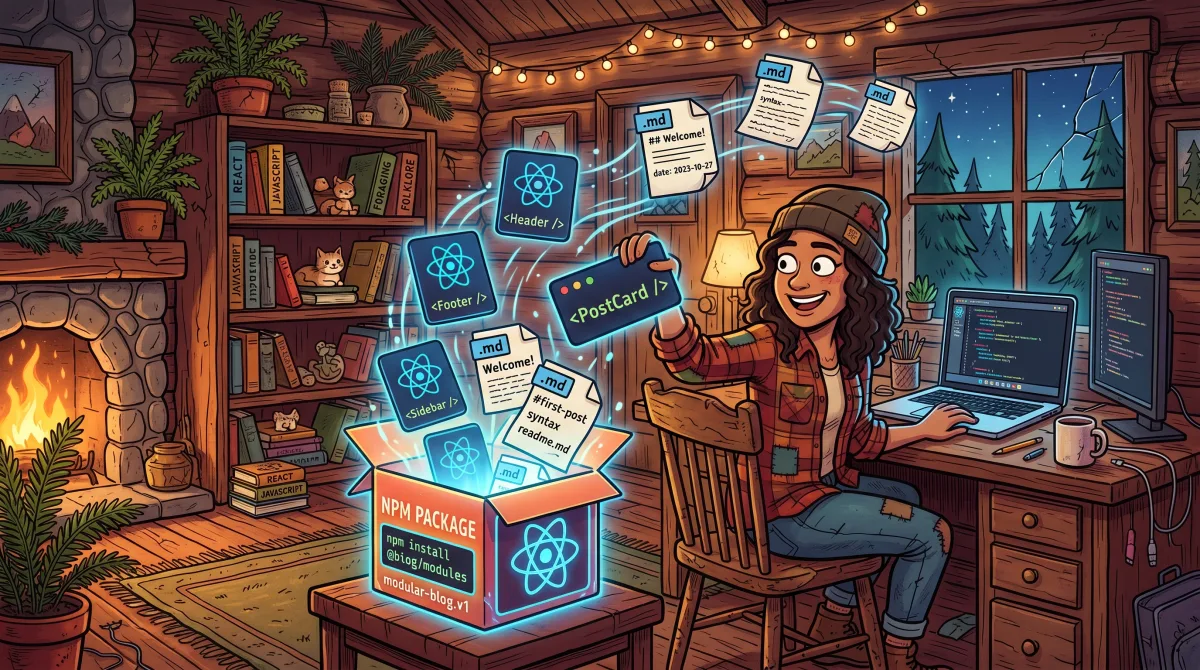
So I extracted it. @fullstackdatasolutions/articles is a self-contained Next.js articles library, components, server utilities, SEO generators, and all, extracted from real production code and packaged so any Next.js + Tailwind CSS v4 app can have a fully-featured blog system running in under an hour.
What the Problem Actually Looks Like
You're building a SaaS. You need a blog for SEO and content marketing. You want it done right: proper og: tags, JSON-LD structured data, a sitemap entry per article, an RSS feed for readers who still use feed readers, a table of contents for long posts, and article navigation so readers can move through your content.
Now multiply that by four products on the same stack.
The boring work compounds. The fix you make to the article metadata generator in one repo doesn't make it to the others. The TOC component you improved last month is still the old version in two of your projects. The comments API route you wired up last week? You have to wire it up again.
This is the maintenance tax on copy-paste architecture. It is slow, annoying, and completely avoidable.
What the Package Does
@fullstackdatasolutions/articles is a drop-in articles/blog system for Next.js. It ships two things: React components and server utilities.
Components include:
ArticlesPage: full listing page with paginationArticleDetailHero: hero section for individual articlesArticleCard: individual article cardArticleTOC: auto-generated table of contentsArticleSocialShare: share buttonsArticleNavigation: prev/next article navigationArticleSearchBar: search inputCommentsSection: session-gated commentsScrollToTop:BreadcrumbSchema, and more
Server utilities include:
getAllArticles:getArticlesByCategory,getAdjacentArticles,searchArticlesgenerateArticleStaticParamsfor static generationgetArticleSitemapEntriesfor sitemap integration- Metadata generators for index, article, and category pages, fully loaded OpenGraph, Twitter Card, JSON-LD structured data (Article, BreadcrumbList, CollectionPage), and canonical URLs
Content format: Markdown or MDX files in public/articles/[slug]/article.md(x). Frontmatter drives everything, title, excerpt, author, tags, featured image, date, draft status, FAQ, howTo schema, canonical URL, and series.
SEO out of the box: Every article gets proper og: tags, Twitter Card meta, JSON-LD structured data, and an RSS 2.0-compatible feed. You don't wire any of that up yourself.
Quick Start
Here's what it takes to go from zero to a working articles section.
1. Install
pnpm add @fullstackdatasolutions/articles
2. Add Tailwind Source Directive
The package uses Tailwind CSS v4. Add the @source directive to your globals.css so Tailwind picks up the package's class names:
@import "tailwindcss";
@plugin "@tailwindcss/typography";
@source "./node_modules/@fullstackdatasolutions/articles/src";
No tailwind.config.ts required. That's the v4 way.
3. Create Your Config
import type { ArticlesConfig } from '@fullstackdatasolutions/articles'

export const siteConfig: ArticlesConfig = {
  siteUrl: 'https://yoursite.com',
  siteName: 'Your Site',
  pageSize: 6,
}
4. Wire Up Your Route Files
Articles index page, app/articles/page.tsx:
import { ArticlesPage } from '@fullstackdatasolutions/articles'
import { generateArticlesIndexMetadata } from '@fullstackdatasolutions/articles/server'
import { siteConfig } from '@/config/articles'

export const metadata = generateArticlesIndexMetadata(siteConfig)

export default function Page() {
  return <ArticlesPage config={siteConfig} />
}
That one export does all the metadata work. OpenGraph, Twitter Card, canonical, all handled.
5. Add Sitemap Integration
import { getArticleSitemapEntries } from '@fullstackdatasolutions/articles/server'
import { siteConfig } from '@/config/articles'

export default async function sitemap() {
  const articleEntries = await getArticleSitemapEntries(siteConfig)
  return [...staticPages, ...articleEntries]
}
6. Copy the Comments API Routes
Comments require NextAuth session and file-backed storage. Because of how Next.js routing works, the API routes need to live inside your app, the package can't own them. They're short, well-documented, and you copy them once.
7. Drop In Your First Article
Create public/articles/my-first-post/article.md:
---
title: Your Article Title
excerpt: A one-sentence summary.
author: Andrew Blase
tags: [nextjs, tutorial]
date: 2026-05-21
featuredImage: hero.png
---

Your content here.
That's the full path from install to published article. The metadata, sitemap entry, and RSS feed entry are all generated from that frontmatter automatically.
Why This Is Better Than Building It From Scratch
I'm not going to oversell the package. Building an articles system from scratch is totally doable, I did it four times. Here's the honest comparison.
What you skip by using the package:
- About 600–900 lines of utility code across metadata generators, content parsers, category handlers, and static params
- The SEO scaffolding work: JSON-LD schema per article type, OG tag patterns, Twitter Card patterns, canonical logic
- RSS feed construction
- TOC extraction from markdown headings
- Adjacent article logic (prev/next)
- Search implementation
- Sitemap integration
- Test coverage, the package ships 22+ test files
What you keep control of:
Everything visual. The package uses CSS custom properties on a wrapper div, which means it works with shadcn/ui tokens out of the box. Your design system doesn't have to bend around the package. You set the tokens; the components follow.
Production Status
The package is running in production across three projects: Loopvolt, the Vox Populus blog you're reading now, and The Role Players Guild. It's at version 0.7.0 as of May 2026, with 10 active versions published. Weekly downloads are sitting around 704.
It's open source under the MIT license. Publishing is automated, push a git tag, GitHub Actions runs typecheck, tests, and build, then publishes to npm.
It's not 1.0 yet. The API is stable but still evolving. If you adopt it, keep an eye on the changelog.
Requirements
- Next.js ≥ 14
- React ≥ 18
- Tailwind CSS v4
- next-auth ≥ 4 (only required if you enable comments)
Monorepo support is included, TypeScript path aliases let you point at the package source directly in a pnpm workspace if you're working across multiple apps.
What's Next
The package is solving the problem I had. If you're building on Next.js + Tailwind and you need a real articles system, not a toy blog, take a look:
npm: https://www.npmjs.com/package/@fullstackdatasolutions/articles
npm i @fullstackdatasolutions/articles
Issues, PRs, and questions welcome.
FAQ
What is the @fullstackdatasolutions/articles npm package?
@fullstackdatasolutions/articles is a drop-in Next.js blog and articles library. It provides React components for article listing, detail, TOC, comments, and social sharing, plus server utilities for metadata generation, sitemap entries, RSS feed, and static params. It is designed for Next.js ≥ 14 with Tailwind CSS v4 and handles all SEO scaffolding, OpenGraph, Twitter Card, JSON-LD structured data, and canonical URLs, automatically.
Does the Next.js articles package support MDX?
Yes. The package reads both .md and .mdx files from public/articles/[slug]/article.md(x). Frontmatter controls all article metadata including title, excerpt, author, tags, featured image, date, draft status, FAQ schema, howTo schema, and series grouping. You write content in Markdown or MDX; the package handles the rest.
Do I need a Tailwind config file to use this package?
No. The package uses Tailwind CSS v4, which eliminates the tailwind.config.ts requirement. Instead, add one line to your globals.css: @source "./node_modules/@fullstackdatasolutions/articles/src";. This tells Tailwind's content scanner to include the package's source classes without any additional configuration.