- Published on
How to Add TypeCheck, Lint, Tests, and Build to Every PR with Husky and GitHub Actions
- Authors

- Name
- Andrew Blase
The quality gate problem every monorepo hits
You're shipping fast. You merge a PR, the backend CI fails with a TypeScript error that's been there for a week, and nobody caught it because the pre-commit hook didn't exist. Or worse — somebody force-pushed to skip it.
I've been building Loopvolt, a NestJS backend + Next.js frontend monorepo, and I kept running into this: no consistent quality gate between "I think this works" and "this is in main." No typecheck on commit. No lint enforcement. No automated test run on the PR. Just vibes and optimism.
This article is the setup I built to fix that — and it's the second article in a three-part CI/CD series. Before any of this makes sense, you need a test suite worth running: if you haven't set up Jest, coverage thresholds, and your testing infrastructure yet, start with the first article in this series. Once that foundation is in place, this is the pipeline layer that gates every PR on it.
Every PR now runs typecheck, lint, tests, and build automatically. Every commit is validated before it lands. The PR template enforces the checklist the automation can't cover. Security scanning, Snyk, SonarQube Cloud, and Dependabot are covered in the third article in this series — this one stays focused on the pre-commit and CI layer.
Here's exactly how to replicate it.
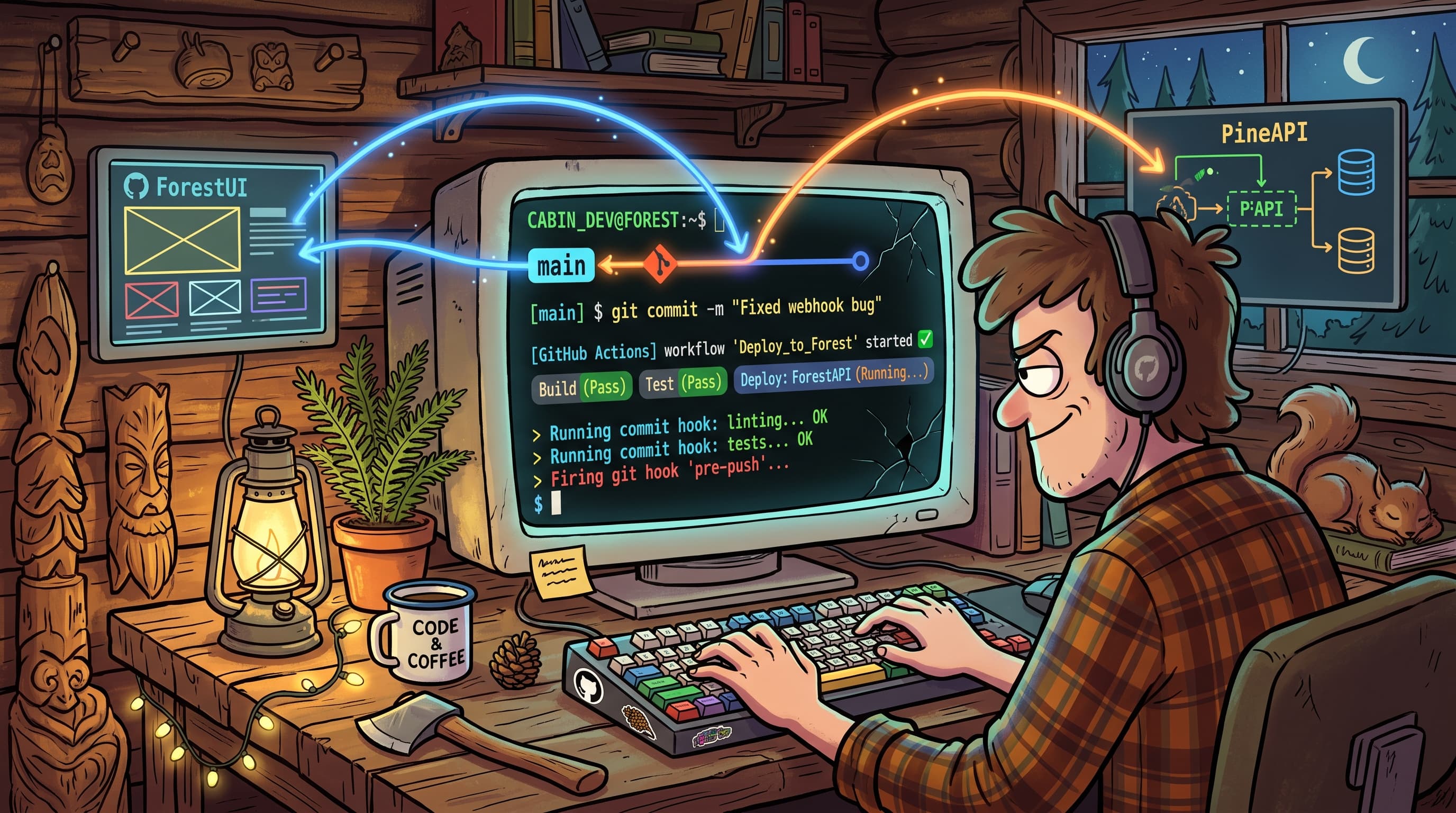
Why bother with pre-commit hooks at all?
CI catches problems. Pre-commit hooks catch problems earlier — before the push, before the PR, before your teammates have to wait for a red pipeline to tell them what you could have caught locally.
The combination is the point: pre-commit hooks handle what's fast (typecheck, lint), CI handles what's thorough (full test suite, build). Neither replaces the other. Together they create two distinct quality checkpoints — one local, one cloud — with zero overlap in friction.
Setting up Husky in a pnpm monorepo
Husky is the standard for Git hooks in Node.js projects. In a pnpm monorepo, the setup is straightforward: install it at the root and let the prepare script wire the hooks automatically.
Root package.json:
{
  "name": "legendary-games-root",
  "version": "1.0.0",
  "private": true,
  "scripts": {
    "prepare": "husky"
  },
  "devDependencies": {
    "@commitlint/cli": "^19.0.0",
    "@commitlint/config-conventional": "^19.0.0",
    "husky": "^9.1.7",
    "lint-staged": "^15.0.0"
  },
  "lint-staged": {
    "backend/src/**/*.{ts,tsx}": [
      "eslint --fix --config backend/eslint.config.mjs",
      "prettier --write --config backend/.prettierrc"
    ],
    "frontend/**/*.{ts,tsx,js,jsx,mjs}": [
      "eslint --fix --config frontend/eslint.config.mjs",
      "prettier --write --config frontend/.prettierrc"
    ]
  }
}
The prepare script runs automatically after pnpm install, so every developer who clones the repo gets the hooks immediately — no manual setup required.
The pre-commit hook: typecheck + lint-staged
This is the most important file in the setup.
.husky/pre-commit:
#!/bin/sh
pnpm --filter loopvolt-frontend typecheck && pnpm --filter loopvolt-backend typecheck && pnpm exec lint-staged
Three things happen on every commit:
- Frontend typecheck — runs
tsc --noEmitagainst the Next.js app. If there's a type error anywhere in the frontend, the commit fails. - Backend typecheck — same for the NestJS app. No TypeScript drift, ever.
- lint-staged — runs ESLint and Prettier only on the files you're actually committing (not the entire codebase). Fast, surgical, effective.
The lint-staged config in package.json routes each staged file to the right ESLint config — backend/eslint.config.mjs for backend TypeScript, frontend/eslint.config.mjs for the Next.js side. It auto-fixes what it can. What it can't fix, it surfaces as an error.
Each package's package.json exposes the scripts this hooks into:
"scripts": {
  "build": "tsup",
  "typecheck": "tsc --noEmit",
  "lint": "eslint src",
  "lint:fix": "eslint src --fix",
  "test": "jest",
  "test:coverage": "jest --coverage"
}
Commitlint: enforcing commit message format
The second hook enforces conventional commit messages.
.husky/commit-msg:
npx commitlint --edit "$1"
With @commitlint/config-conventional installed, every commit message must follow the type(scope): subject format — feat:, fix:, chore:, etc. No more "stuff" or "wip" or "fixes" as commit messages. Readable git history, enforced automatically.
The actual rules live in .commitlintrc.json at the repo root:
.commitlintrc.json:
{
  "extends": ["@commitlint/config-conventional"],
  "rules": {
    "type-enum": [
      2,
      "always",
      ["feat", "fix", "chore", "refactor", "test", "docs", "ci", "perf", "revert"]
    ],
    "subject-case": [0],
    "header-max-length": [2, "always", 100]
  }
}
Three rules, each doing a specific job:
type-enum— Enforces that the commit type must be one of the listed values:feat,fix,chore,refactor,test,docs,ci,perf,revert. Anything else gets rejected. This is the main guardrail — it stops freeform types likeupdateorstufffrom slipping through.subject-case: [0]— Disables case enforcement on the subject line. Bothfix: update user queryandfix: Update user queryare valid. Opinionated config-conventional defaults enforce lowercase here; disabling it removes the friction for developers who capitalize naturally.header-max-length: 100— Caps the full commit message header at 100 characters. Keepsgit logreadable and avoids the one-line commit messages that tell a novel instead of a summary.
This is one of those things that feels annoying until you're six months in and need to understand what changed between two releases.
Encoding AI Failure Patterns Into Your Linter
AI writes a lot of your code now. It also makes the same mistakes repeatedly — and those mistakes are predictable enough to automate away.
The pre-commit hook already runs lint-staged on every staged file. That means any ESLint rule you add runs automatically on every AI-generated change before it can be committed. You don't have to remember to check; the hook checks for you. The question is whether your ESLint config is actually tuned to catch what AI gets wrong.
Here's what shows up consistently in AI-generated TypeScript:
no-console— AI leavesconsole.logdebug statements everywhere. It adds them while figuring out a problem and forgets to remove them. This rule catches every one at commit time, not in code review.@typescript-eslint/no-explicit-any— When AI is uncertain about a type, it reaches forany. This rule forces explicit typing and surfaces the places where the model didn't actually know what it was doing.@typescript-eslint/no-floating-promises— AI frequently forgets toawaitasync calls, especially in NestJS service methods where the return type isPromise<void>. Unhandled promises are silent failures. This rule makes them loud.@typescript-eslint/no-unused-vars— AI imports things it doesn't end up using. Dead imports and variables accumulate fast across a codebase with heavy AI involvement. This keeps the signal clean.no-return-await— AI commonly writesreturn await somePromise()inside async functions. It's redundant — the outerasyncwrapper already wraps the return value in a promise — and it adds an unnecessary tick to the event loop. This rule catches it.no-restricted-syntax— For project-specific patterns. If AI keeps using==instead of===, or reaching for a deprecated internal API, you can block it with a custom message explaining why. This is the escape hatch for patterns that don't have a dedicated rule.
Here's what the relevant section of a strict TypeScript ESLint config looks like with these enabled:
// eslint.config.mjs (example rules section)
{
  rules: {
    'no-console': 'error',
    '@typescript-eslint/no-explicit-any': 'error',
    '@typescript-eslint/no-floating-promises': 'error',
    '@typescript-eslint/no-unused-vars': 'error',
    'no-return-await': 'error',
  }
}
The key shift in thinking: your linter is programmable. Every time you catch AI doing something wrong in a code review, ask yourself — can I write a rule that catches this automatically? Over time, your ESLint config becomes a living record of AI failure patterns specific to your codebase and stack. Each rule you add is a code review check that never gets skipped, never gets tired, and runs in under two seconds on every commit.
That's the compounding advantage of lint-staged. The rules accumulate. The automation stays current. The mistakes stop landing.
GitHub Actions: reusable CI workflows
Pre-commit hooks run locally. GitHub Actions CI runs in the cloud, on every push and every PR. These are not the same check. Local hooks can be skipped (--no-verify). CI cannot.
For Loopvolt, I built reusable workflows in a separate public repo — fullStackDataSolutions/github-actions — so this setup is something you can use directly without writing a single workflow from scratch.
Each app in the monorepo gets its own CI workflow file that calls the shared workflow.
.github/workflows/backend-ci.yml:
name: Backend CI
on:
  push:
    branches: [main]
    paths:
      - 'backend/**'
      - '.github/workflows/backend-ci.yml'
  pull_request:
    branches: [main]
    paths:
      - 'backend/**'
      - '.github/workflows/backend-ci.yml'
jobs:
  backend-ci:
    uses: fullStackDataSolutions/github-actions/.github/workflows/ci.yml@main
    with:
      working-directory: backend
      node-version: '24'
      pnpm-version: '9.15.9'
.github/workflows/frontend-ci.yml:
name: Frontend CI
on:
  push:
    branches: [main]
    paths:
      - 'frontend/**'
      - '.github/workflows/frontend-ci.yml'
  pull_request:
    branches: [main]
    paths:
      - 'frontend/**'
      - '.github/workflows/frontend-ci.yml'
jobs:
  frontend-ci:
    uses: fullStackDataSolutions/github-actions/.github/workflows/ci.yml@main
    with:
      working-directory: frontend
      node-version: '24'
      pnpm-version: '9.15.9'
Why the paths filter matters
Without path filtering, every PR triggers every CI workflow — even a frontend-only change would run the backend CI. That's wasted minutes on every PR. The paths filter limits each workflow to run only when the relevant code actually changed.
Backend CI fires when backend/** changes. Frontend CI fires when frontend/** changes. If neither changed, neither runs. This keeps CI fast and the cost down.
Why reusable workflows?
The shared workflow at fullStackDataSolutions/github-actions handles the actual steps: install pnpm, install dependencies, typecheck, lint, test, build. Any project calling it gets all of those steps without copying YAML. Update the shared workflow once and every repo calling it picks up the change automatically.
This is the pattern for any team running multiple repos with the same tech stack. Define the quality standard once. Reuse it everywhere.
PR template: the checklist that actually gets used
PR templates only work if they're short enough to read and specific enough to matter. Here's the one I use:
.github/pull_request_template.md:
## What does this PR do?
<!-- Brief description of the change and why it's needed -->

## How to test it?
<!-- Step-by-step instructions to verify the change works correctly -->

## Screenshots / recordings
<!-- If this touches UI, include before/after screenshots or a short screen recording -->

## Checklist
- [ ] Tests added or updated
- [ ] TypeScript types are correct (no `any` shortcuts)
- [ ] No `console.log` left in code
- [ ] Docs / comments updated if needed
- [ ] Self-reviewed the diff before requesting review
The checklist is the enforcement layer that the automation can't cover. CI can verify typecheck and lint and tests. It can't verify that the developer actually thought about the edge case, removed the debug logging, or updated the README. The template makes the human accountable for the human parts.
How it all fits together
Here's the full quality gate pipeline from commit to merge:
Developer runs
git commit- Husky fires
.husky/pre-commit - Both frontend and backend typecheck run (
tsc --noEmit) lint-stagedruns ESLint + Prettier on staged files- Commit message validated by commitlint via
.husky/commit-msg - If any step fails, the commit is blocked
- Husky fires
Developer opens a PR
- GitHub renders the PR template automatically
- Developer fills in the description, testing steps, and checklist
CI kicks off on the PR
- Backend CI runs if
backend/**files changed - Frontend CI runs if
frontend/**files changed - Reusable workflow at
fullStackDataSolutions/github-actionsruns: install, typecheck, lint, test, build - All status checks must pass before merge is allowed
- Backend CI runs if
The result: nothing that breaks typecheck, lint, or tests gets into main. The pipeline enforces it.
Conclusion
This setup took about two hours to build and has paid back that time dozens of times. The pre-commit hooks catch type errors before they become CI failures. The GitHub Actions reusable workflow means you define the quality standard once and it runs everywhere. The PR template closes the gap the automation can't cover.
If you want to use the reusable CI workflow directly in your own project, it's public at fullStackDataSolutions/github-actions — fork it, call it, or use it as-is.
Once this pipeline is running, the next layer is security: automated vulnerability scanning with Snyk, code quality gates with SonarQube Cloud, AI-assisted code review with Kilo, and Dependabot for dependency updates. That's the third article in this series.
The system runs without thinking about it. That's the point.
FAQ
What's the difference between Husky pre-commit hooks and GitHub Actions CI?
Husky pre-commit hooks run locally on the developer's machine before a commit is created. They catch errors early — before the code is even pushed — but they can be bypassed with git commit --no-verify. GitHub Actions CI runs in the cloud on every push and pull request and cannot be skipped. The two layers are complementary: hooks catch issues fast, CI enforces the standard without exception.
How do I set up GitHub Actions reusable workflows for my own monorepo?
Create a shared repository (like fullStackDataSolutions/github-actions) containing a reusable workflow file under .github/workflows/. In your monorepo, reference it using the uses: key in your workflow jobs with the syntax {owner}/{repo}/.github/workflows/{file}.yml@{ref}. Pass configuration like working-directory and node-version via the with: block. This lets multiple projects share the same CI logic from a single source.
Why use lint-staged instead of running ESLint on the whole project in the pre-commit hook?
Running ESLint on the entire project on every commit is slow — it gets worse as the codebase grows, and slow hooks get skipped. lint-staged runs linting only on files that are staged for the current commit. In a monorepo with both a NestJS backend and a Next.js frontend, that's the difference between a two-second check and a thirty-second one. Same quality gate, much less friction.
Sources: Husky Documentation · GitHub Actions Reusable Workflows · lint-staged · Commitlint